Lite
Free
- Heart rate, steps and date subdials
- The sweeping seconds hand
- The lume always-on mode
Chronograph faces for Garmin
A chronograph dial for your Garmin, drawn pixel for pixel: lume in the hands, a sweeping seconds hand, and three subdials that show what you choose.
Sold through Garmin's Connect IQ Store. The Lite is free; the full face is €5.99, once.


Heart rate · Steps · Date
Specifications
Ref. AL-01, chronograph
Every part has a job, the way it does on a mechanical chronograph. Nothing is printed on for show.
On the wrist
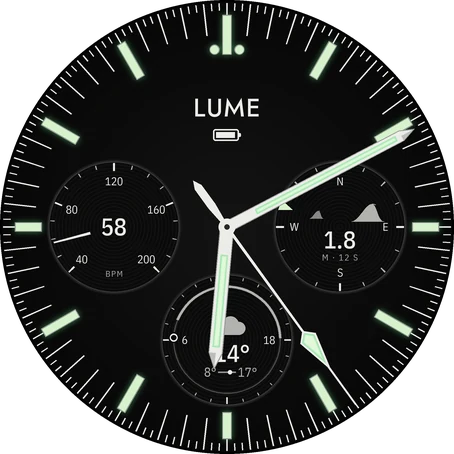
The surf at your spot before you leave: 1.8 m at 12 seconds, from the west-northwest.
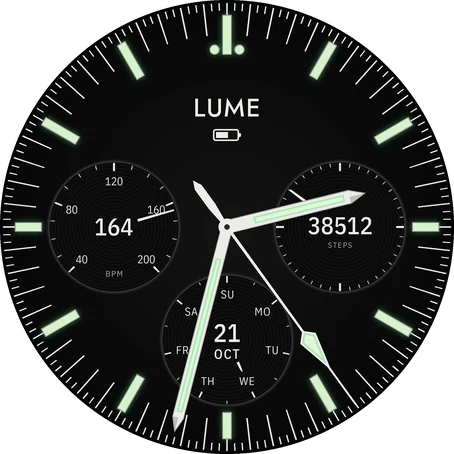
Heart rate at nine. The steps hand goes round once per goal, and today it is on its fourth lap.
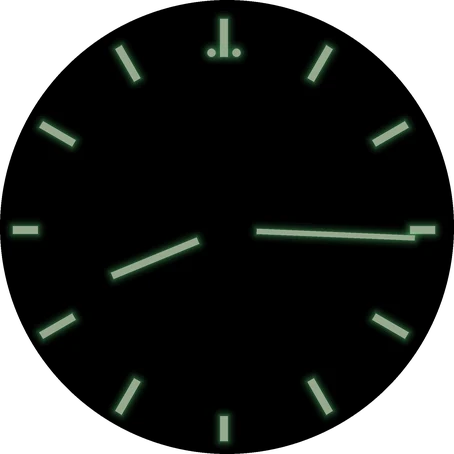
Same watch. Lower your wrist and only the lume stays lit.
One watch, every setting.
Subdials
The Lite keeps heart rate, steps and the date. The full face lets each of its three subdials show any of the 20 below, chosen on the watch or in the Connect IQ app. Each is shown as the watch draws it.
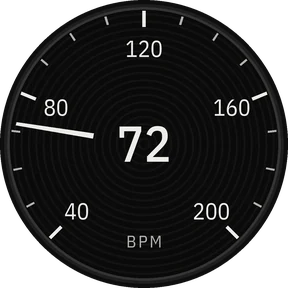
Heart rate Lite
Live, on a 40–200 bpm scale.
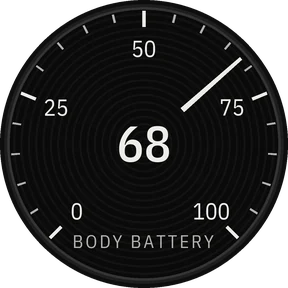
Body Battery
Garmin's energy reading, 0 to 100.
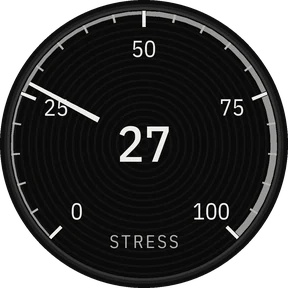
Stress
Garmin's stress level, 0 to 100.
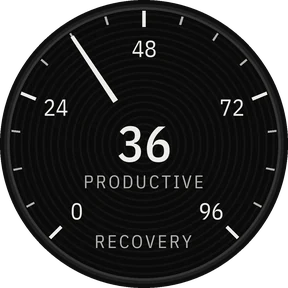
Recovery time
Hours until you're recovered, on a 96-hour scale, with your training status.
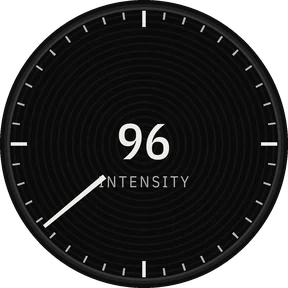
Intensity minutes
This week's minutes. One turn of the hand is your weekly goal.
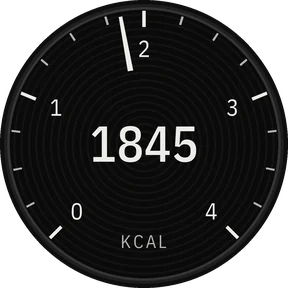
Calories
Today's total, on a 4,000 kcal scale.
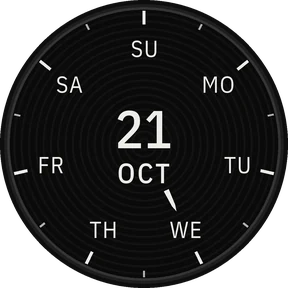
Date Lite
Weekday, date and month.
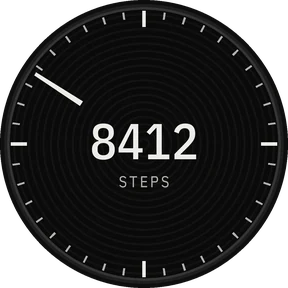
Steps Lite
One turn of the hand is your daily goal. Past it, the hand keeps going round.
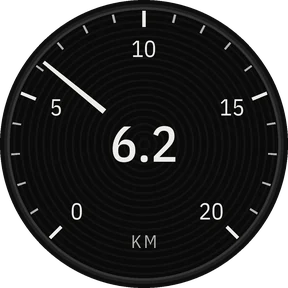
Distance
Today's distance, in km or miles as your watch is set.
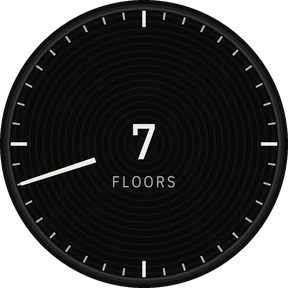
Floors climbed
Today's floors. One turn of the hand is your daily goal.
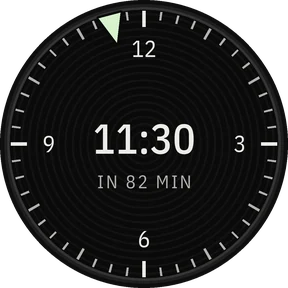
Next event
When your next calendar event starts, and how long until it does.
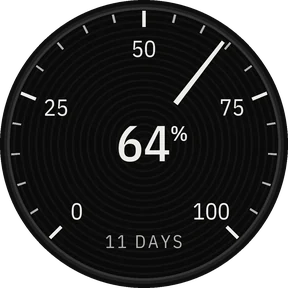
Battery
Charge left, with the days to go where the watch estimates them.
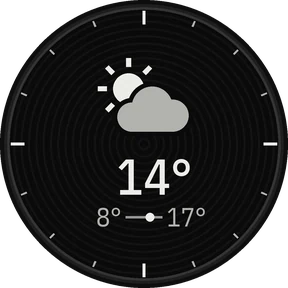
Weather
Conditions and temperature, with today's low and high.
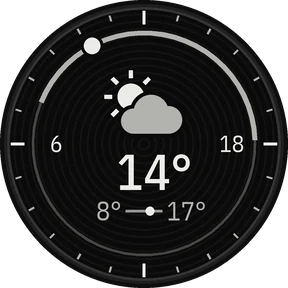
Weather & sun
The weather inside a 24-hour ring of day and night, the sun at the time.
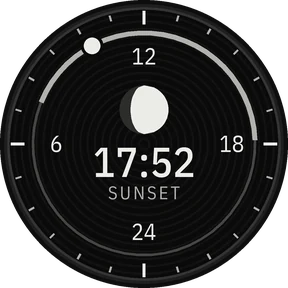
Sun & moon
The next sunrise or sunset and the moon's phase, the sun on a 24-hour ring.
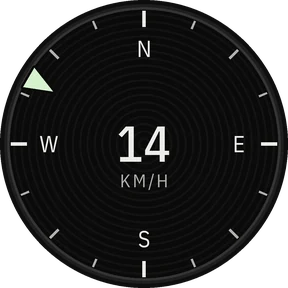
Wind
Speed, with a pip on the rim where the wind blows from.
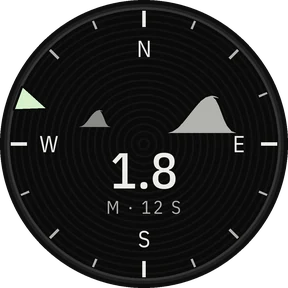
Waves
Height, period and swell direction at the surf spot you choose.
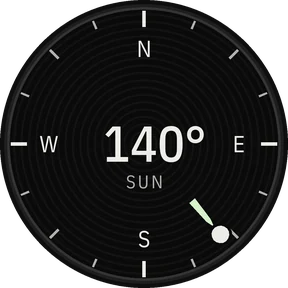
Sun compass
Turn the watch until the sun on the rim points at the sun, and N points north.
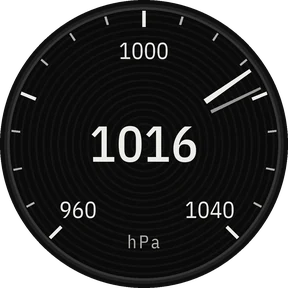
Barometer
Sea-level pressure, with a second pointer where it stood three hours ago.
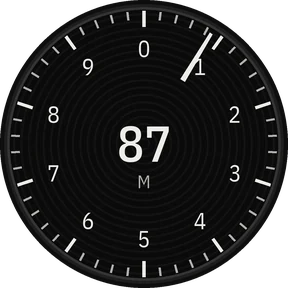
Altitude
One turn of the hand per 1,000 m, or 1,000 ft on a watch set to feet.
Weather and wind come from Garmin's weather on your watch. Waves come from Open-Meteo's marine forecast for the surf spot you choose.
Training readiness and HRV status aren't available to any Connect IQ watch face. Garmin keeps them for its own faces.
Always-on mode
Lower your wrist and the face keeps only the lume: the centres of the hands, the batons and the dots by twelve. The steel goes dark, the way lume reads on a real dial at night.
Get it
Both are sold through Garmin's Connect IQ Store, which handles payment and refunds.
Free
€5.99once
Compatibility
Each screen size gets its own drawing, never a scaled one: 416, 454 and 466 pixels at launch.
Launch
One email when Atelier Lume is in the store. Nothing else unless you ask. Or follow along on Instagram at @atelierlume.watch.
Questions
In the Connect IQ Store app on your phone, search for Atelier Lume and tap Install. Then, on the watch, hold the current face (or open Settings › Watch Face) and pick Atelier Lume.
It is our mark, printed where a watchmaker signs a dial. It reads the same on every watch.
No. You pick a surf spot from a list, or type in a point at sea. Only that spot's coordinates go, through your phone, to Open-Meteo, which sends back the marine forecast.
The seconds sweep and the weather moves only for the few seconds the watch is awake after a wrist raise. In always-on mode only the lume is lit.
No. Garmin doesn't give those to third-party watch faces, so no Connect IQ face can show them.
No. Atelier Lume is an independent studio. Garmin, fēnix, epix, MARQ, Forerunner, Venu, Instinct, tactix, quatix, Descent, Approach, D2 and vívoactive are trademarks of Garmin Ltd. or its subsidiaries.
Purchases go through Garmin's Connect IQ Store, which handles payment and refunds.